
Network Closet / Home Infrastructure / 6 min read
Network Closet and Utility-Room Planning for Luxury Homes
The network closet is where a premium home technology plan either becomes maintainable or turns into a pile of blinking boxes.
Short answer
A luxury home network closet should have enough space, ventilation, power, patching, PoE switching, battery backup, and labeling to support Wi-Fi, cameras, and future service without clutter.
01
Plan rack or cabinet space around the home's existing wiring, ventilation, power, and service access.
02
PoE camera and access point loads should be matched to switch capacity.
03
Labels, patch panels, and documentation save time when support is needed later.
Utility Room
What belongs in a maintainable home network closet
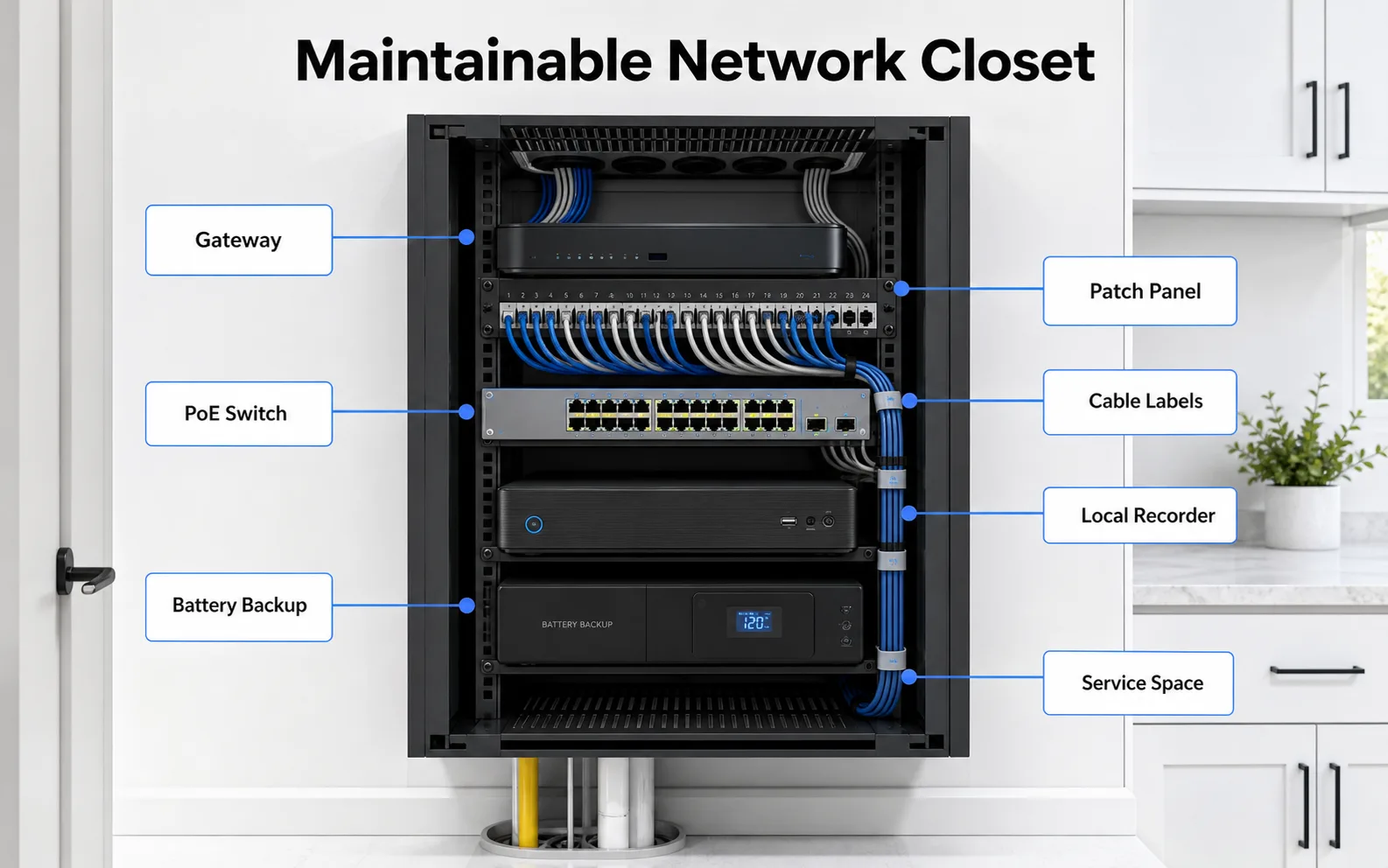
A rack or cabinet plan should account for gateway, patching, PoE switching, local recording, battery backup, labels, and future access.
- Gateway
- Patch panel
- PoE switch
- Local recorder
- Battery backup
Infrastructure
A clean utility room is part of the system
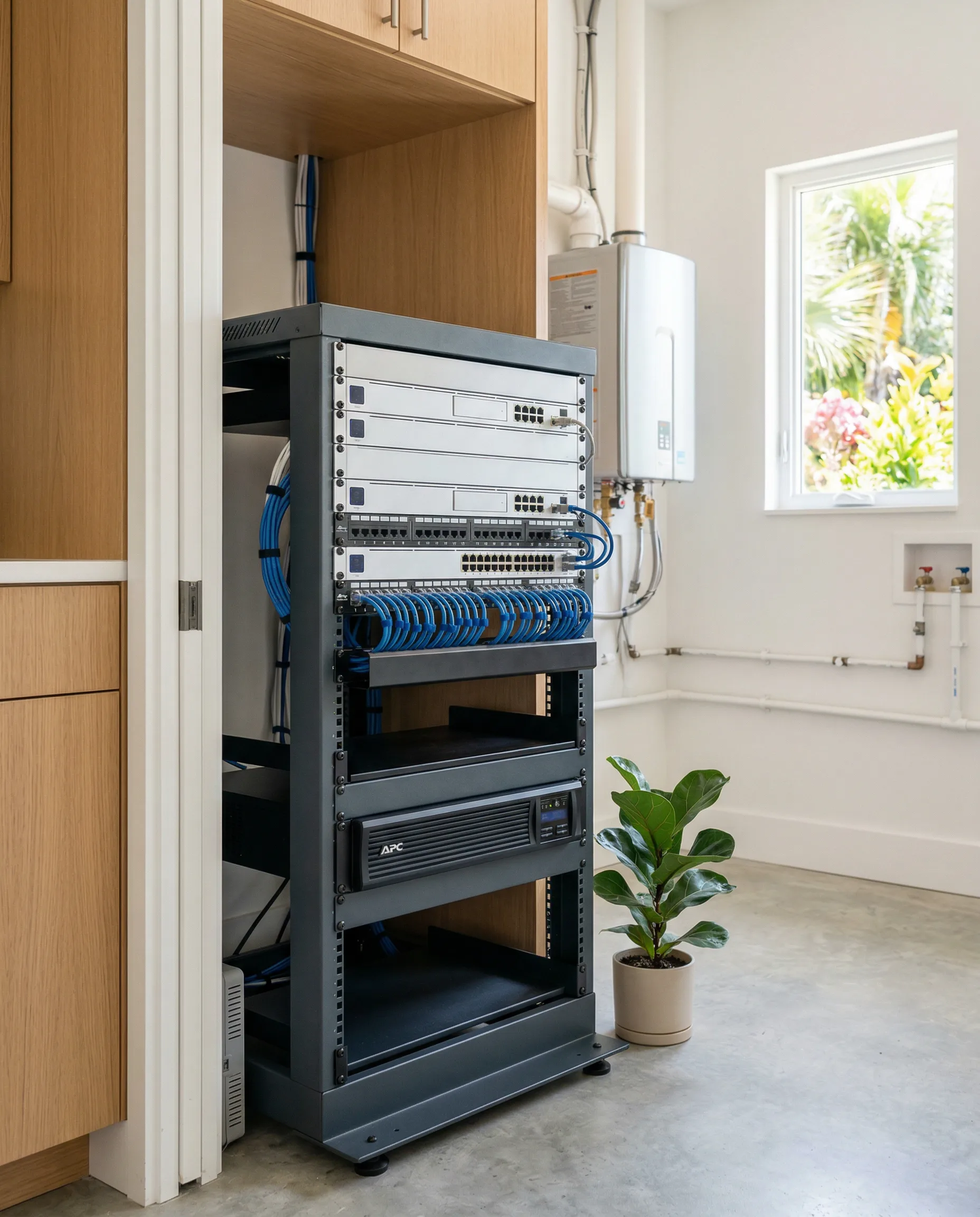
Homeowners often notice Wi-Fi and cameras, but the equipment space determines how maintainable the system will be. The gateway, switches, patch panel, recorder, and battery backup all need a place to live.
A premium home should not end up with hardware stacked on a shelf, cables hanging loose, and no labels.
PoE planning matters
Access points and many cameras use PoE, which sends power and data over ethernet. That keeps the device locations cleaner, but it means the switch has to provide enough power for the planned hardware.
The right switch choice depends on device count, power budget, future expansion, and whether the system needs quieter or rack-mounted equipment.
Documentation turns the closet into an asset
A documented network closet should tell a future technician what each cable serves, where the important devices are, how the network is segmented, and what should happen during a support call.
That documentation is part of the homeowner experience, not an afterthought.
FAQ
Common homeowner questions.
Does every home need a rack?
No. Some homes only need a structured media cabinet. Larger homes with multiple access points and cameras usually benefit from a cleaner rack or wall cabinet plan.
Should the network closet have battery backup?
Battery backup is often worth planning for gateways, switches, and recording hardware so short power interruptions do not immediately take the system offline.
What should be labeled?
Every cable, patch panel port, switch port group, key device, and major service area should be labeled or documented.
Tech Techr LLC
Need a floor-plan review before hardware is purchased?
Tech Techr designs, configures, documents, supports, and coordinates UniFi Wi-Fi and camera technology packages for homes across Freeport, Hammock Bay, and the Emerald Coast.
Schedule a home network consult