
Home Networking / Outdoor Coverage / 7 min read
How to Plan Outdoor Wi-Fi for Florida Lanais, Pools, and Docks
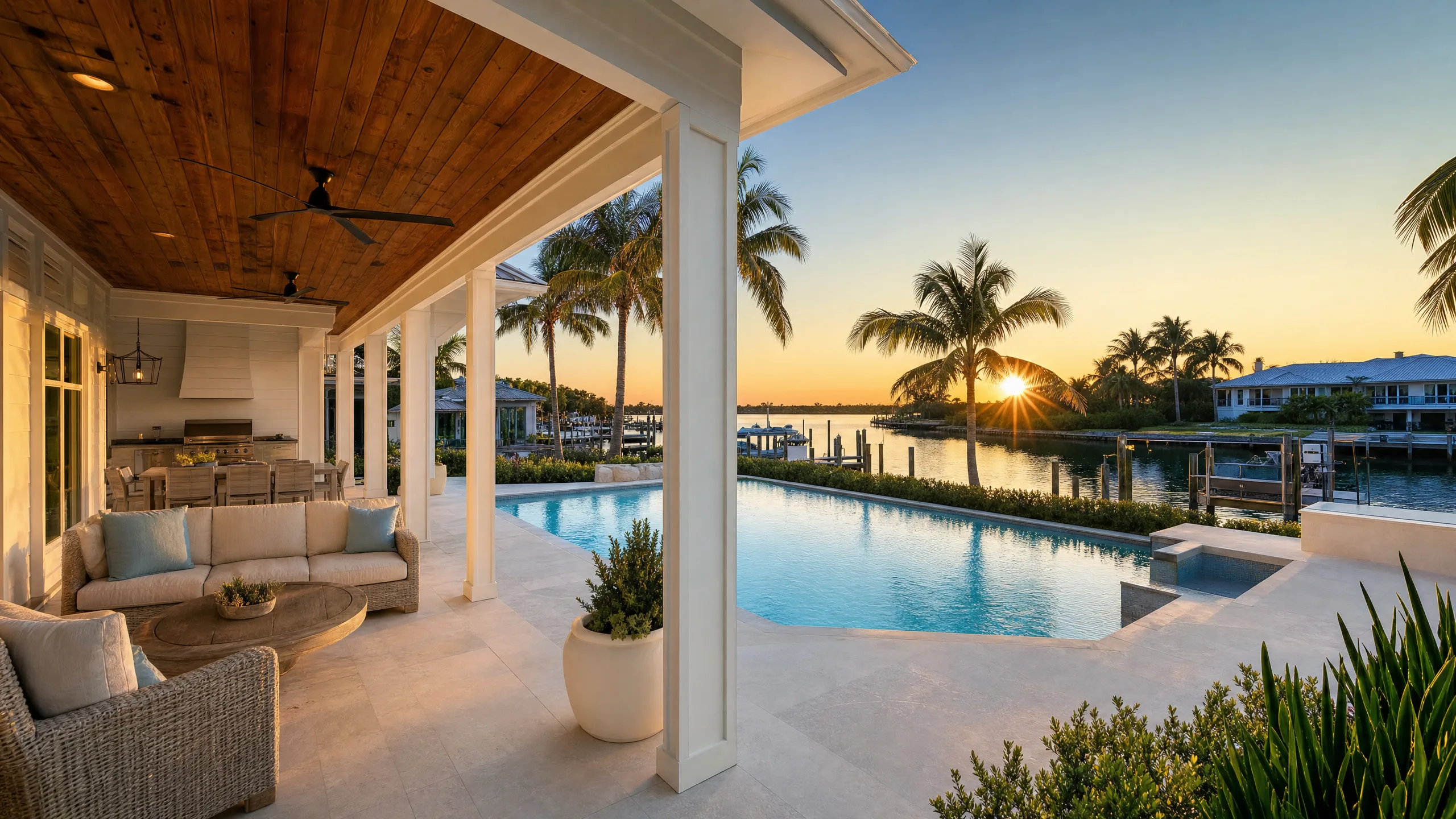
Florida outdoor living spaces need their own Wi-Fi plan. A router inside the house is rarely enough to hold a signal across a lanai, pool deck, and dock.
Short answer
Outdoor Wi-Fi for a lanai, pool deck, or dock works best when weather-rated access points are planned for shaded mounting, wired backhaul, and line of sight to the spaces people actually use, not when a single indoor router is asked to reach the whole yard.
01
Weather-rated, wired access points outperform indoor routers pushed through exterior walls and glass.
02
Pool decks, lanais, docks, and outdoor kitchens should each be mapped as their own coverage zone.
03
Outdoor placement needs to account for salt air, sun exposure, mounting height, and sightlines back to the house.
Coverage Zones
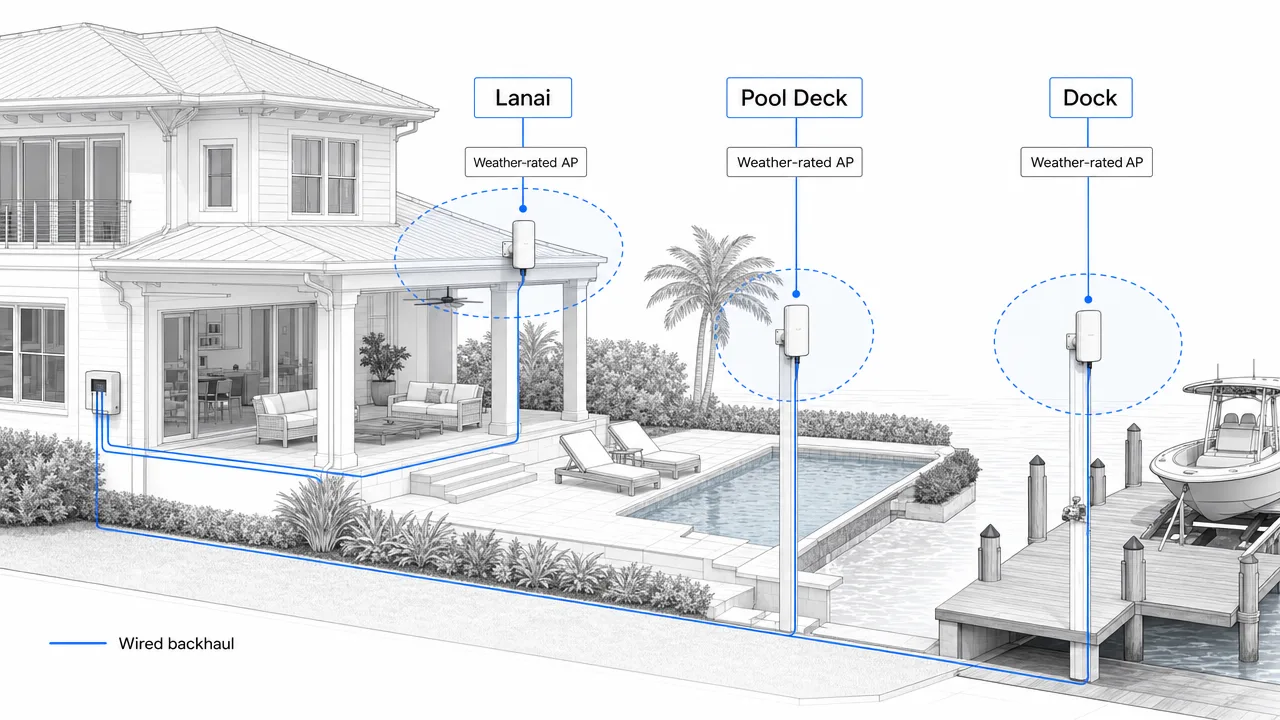
Map the yard before you place hardware
Outdoor Wi-Fi works when each living space is treated as its own zone with a wired, weather-rated access point in the right mounting location.
- Lanai zone
- Pool deck zone
- Dock zone
- Weather-rated AP
- Wired backhaul
Outdoor Living
Your yard is a separate coverage problem
A large coastal home often spends as much time outside as in. Lanais, pool decks, outdoor kitchens, fire pits, docks, and detached seating areas all need reliable Wi-Fi for streaming, cameras, smart speakers, and phones.
Treating outdoor coverage as leftover signal from the indoor network is where most homes go wrong. Outdoor spaces deserve their own access point plan, mapped from the way the family actually uses the yard.
Weather-rated access points belong outside
UniFi makes weather-rated outdoor access points that handle sun, rain, and salt air better than indoor hardware pushed onto a porch. When they are wired back to the network closet, they give the yard a stable signal without borrowing from the house.
Placement usually favors soffits, eaves, posts, and structured mounts that keep the device shaded and clear of direct spray. Height and angle matter as much as the device itself.
Wired backhaul keeps outdoor coverage honest
An outdoor access point still needs a clean path back to the switch. A wireless link from the house to the yard adds the same variables that limit mesh indoors, distance, walls, glass, and interference.
Where a cable run is practical, a wired outdoor access point removes most of that uncertainty. Where it is not, the plan should set realistic expectations before hardware is bought rather than promising coverage the yard cannot hold.
FAQ
Common homeowner questions.
Do I need a separate router for outside?
No. A wired, weather-rated access point extends your existing network outdoors. The router stays inside; the yard gets a clean signal.
Will outdoor Wi-Fi reach the dock?
It can when the dock is planned as its own zone with a clear line of sight and a wired or well-placed access point. Distance and water reflection both matter.
Can outdoor cameras share the same access points?
Yes, but cameras are usually better on a wired connection for stability. Wi-Fi cameras should be planned alongside the outdoor access point coverage, not added as an afterthought.
Tech Techr LLC
Need a floor-plan review before hardware is purchased?
Tech Techr designs, configures, documents, supports, and coordinates UniFi Wi-Fi and camera technology packages for homes across Freeport, Hammock Bay, and the Emerald Coast.
Schedule a home network consult