
Home Networking / UniFi Hardware / 6 min read
Choosing the Right UniFi Gateway for a Large Coastal Home
The right UniFi gateway depends on internet speed, camera recording, device count, and growth, not on buying the biggest box on the shelf.
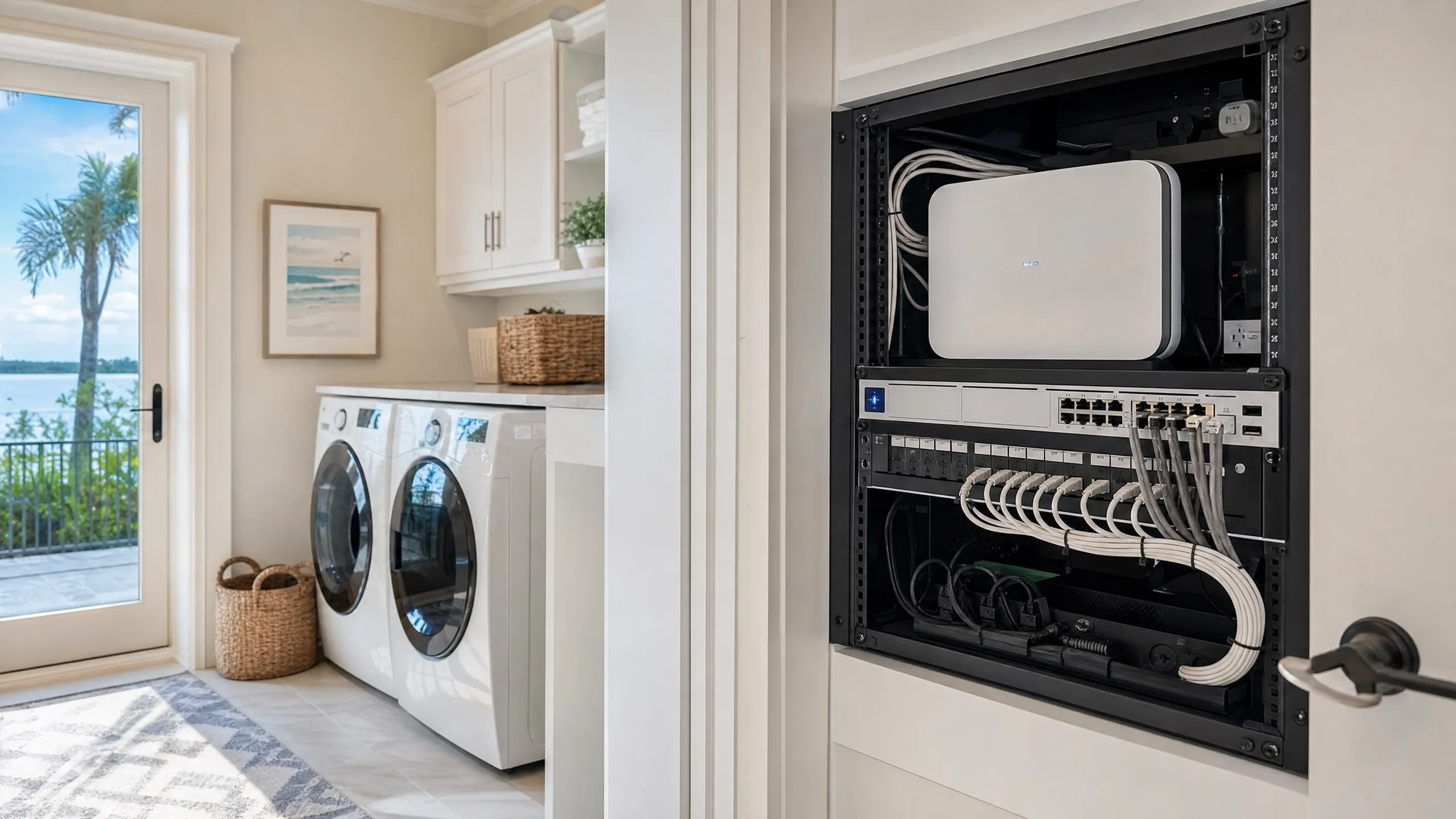
Short answer
The right UniFi gateway depends on internet speed, whether you want local camera recording built in, how many access points and cameras you plan, and how much you want to grow, not on buying the biggest box.
01
Match the gateway to your internet speed and camera plan, not to the highest spec sheet.
02
Some UniFi gateways include a built-in recorder; others need a separate UniFi Protect recorder.
03
Plan for headroom on ports, PoE budget, and future access points and cameras.
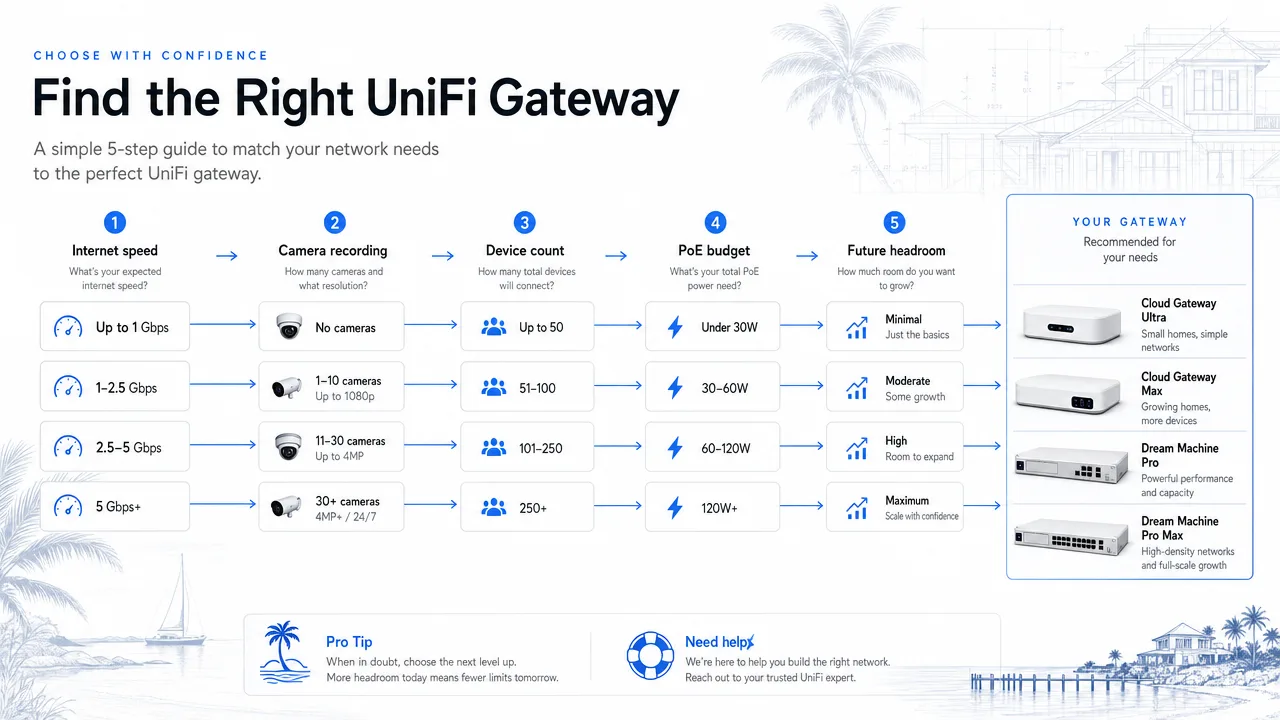
Gateway Decision
Pick the gateway that fits the plan
Match the gateway to internet speed, camera recording, and future growth, then add headroom for the devices you have not added yet.
- Internet speed
- Camera recording
- Device count
- PoE budget
- Future headroom
Gateway Choice
The gateway is the brain, not the whole system
A UniFi gateway handles routing, security, and often the management interface for the rest of the network. It is important, but it is one part of a larger plan that also includes switching, access points, and cameras.
Choosing a gateway by buying the most expensive model rarely fits the home. The better path is matching the gateway to internet speed, camera recording needs, and the number of devices you plan to support.
Decide whether recording lives in the gateway or beside it
Some UniFi gateways include a built-in camera recorder, which keeps the equipment count down for smaller camera plans. Others are routing-only and pair with a dedicated UniFi Protect recorder for larger camera counts.
That choice changes both the budget and the utility-room layout, so it should be made during the design phase rather than after hardware arrives.
Plan headroom, not just the current count
A large home rarely stays at its starting device count. A guest house, a gate camera, an extra outdoor access point, or a faster internet tier can all show up later.
Choosing a gateway and switch with port, PoE, and throughput headroom keeps the next addition simple instead of forcing a replacement.
FAQ
Common homeowner questions.
Do I need the most expensive UniFi gateway?
No. Match it to your internet speed, camera plan, and device count. Headroom matters more than the top spec sheet.
Can one box do routing and camera recording?
Some UniFi gateways include a built-in recorder for smaller camera plans. Larger camera counts usually pair the gateway with a dedicated recorder.
What changes if I upgrade my internet speed later?
A gateway with throughput headroom can handle a faster tier without replacement. Planning for that avoids a swap when speed increases.
Tech Techr LLC
Need a floor-plan review before hardware is purchased?
Tech Techr designs, configures, documents, supports, and coordinates UniFi Wi-Fi and camera technology packages for homes across Freeport, Hammock Bay, and the Emerald Coast.
Schedule a home network consult